
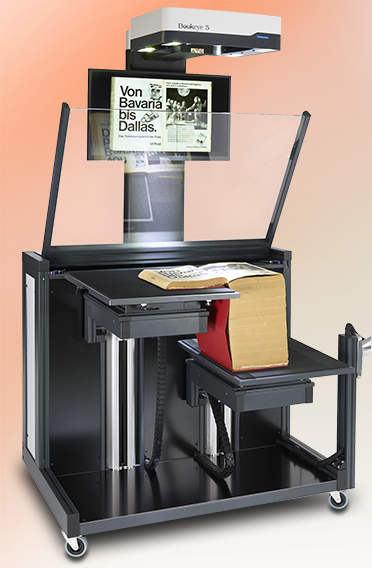
New! Bookeye 5 V1A-C35/50
Bigger, better, Image Access
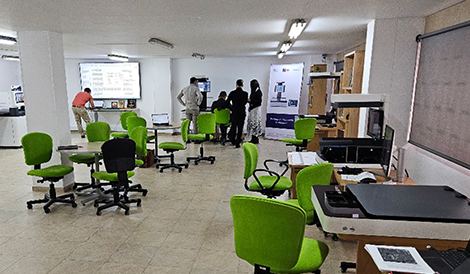

Technomart Open House Huge Success

Press Releases and Reports

News and Events
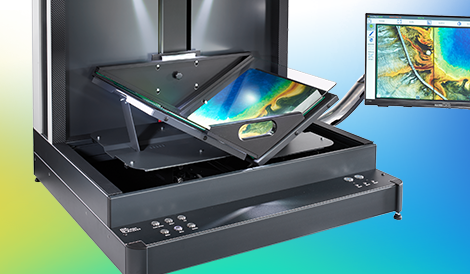
New! Bookeye 5 V2S Semiautomatic
600 dpi production system

ISO 9001:2015 certified
White Paper
Wide Format Scanner Buyer´s Guide

Join us on Facebook
and stay tuned
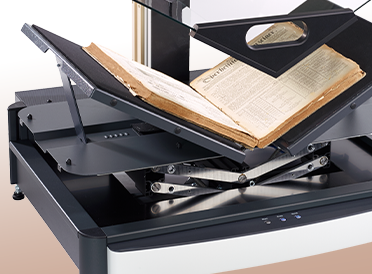
The new Bookeye 5 V2 Archive
All-rounder at an attractive price!
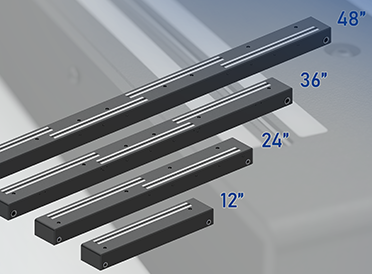
New! WideSCAN
Scan Line Bars in 12 / 24 / 36 / 48 inch
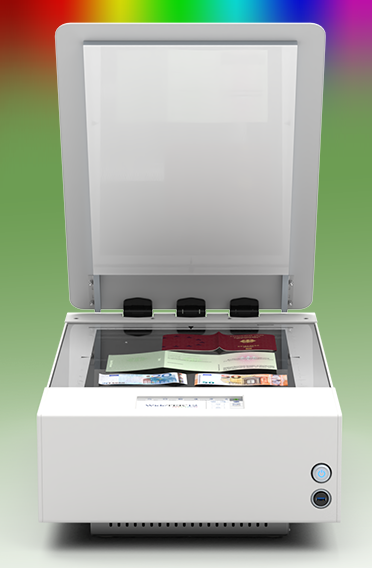
WideTEK 12-SPECTRUM
UV, VIS, IR, 3D and Backlight Scanner
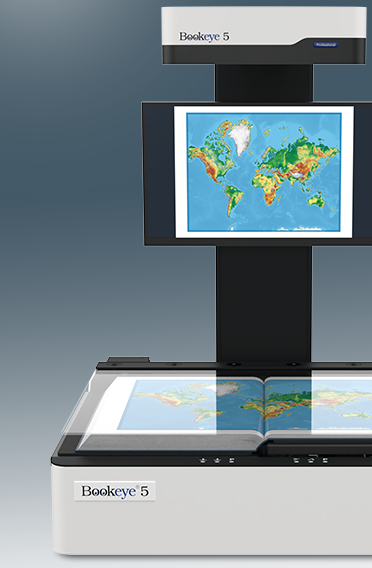
Bookeye 5 V1A
Intelligent Automated Scanning
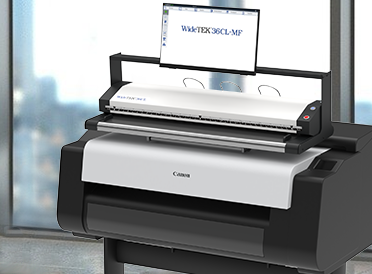
MFP Solutions
The Best MFP Solutions on the Market

Check our videos on Youtube

Image Access FAQs

Von der Heydt-Museum Wuppertal
We support and promote art

Contact us

Find Distributors
… from all over the world


